Generate gradients
You know what a gradient is, so its pretty self explanatory. The gradient command gives you the options to control the dimensions, direction (rotation), and color blending method. The gradients all linear.
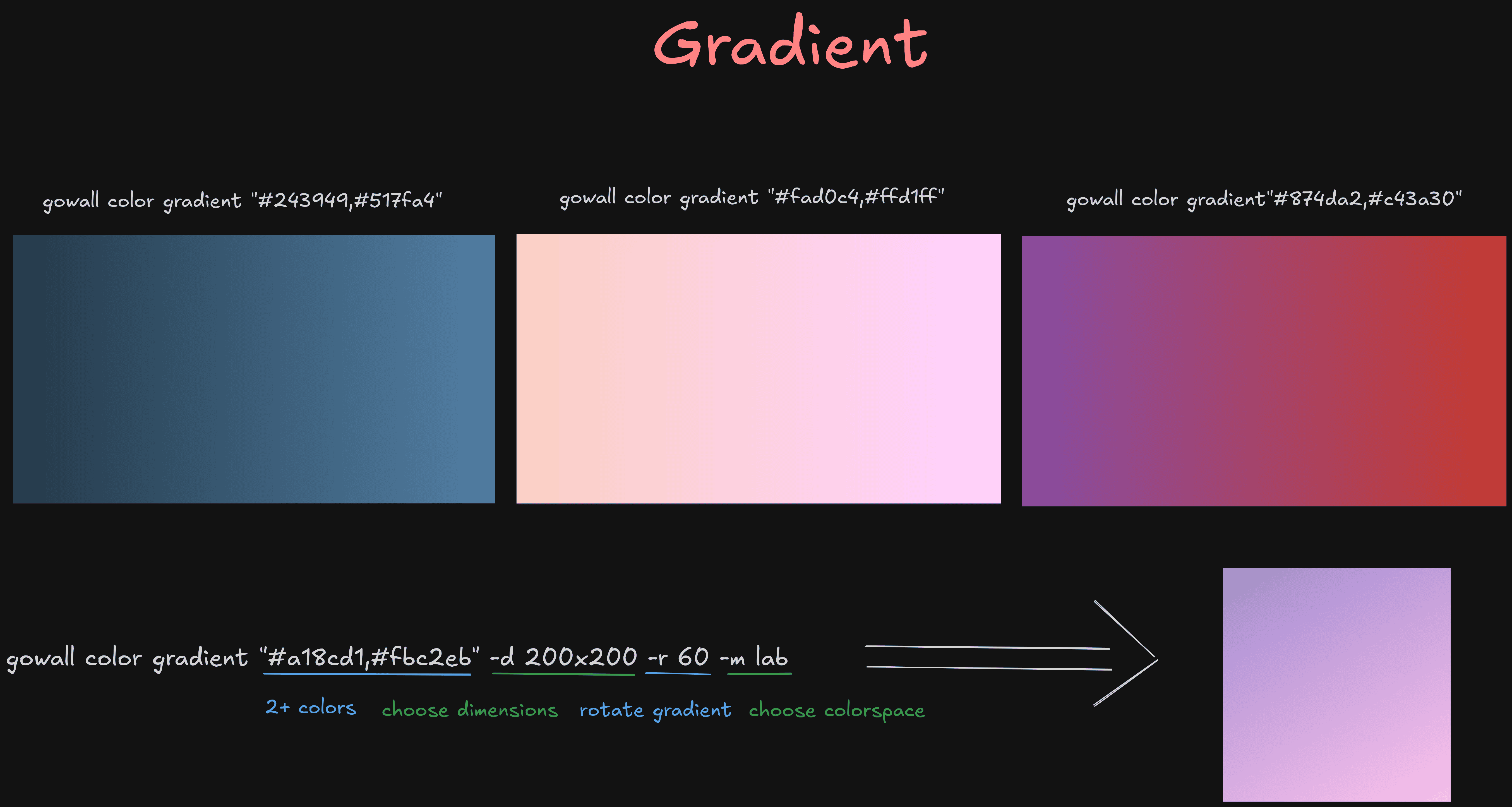
You can give 2+ colors to create a gradient.
gowall color gradient "#392d69,#b57bee"

gowall color gradient "#392d69,#b57bee,#ffffff"

gowall color gradient "#392d69,#b57bee,#ffffff" -r vertical -m lab -d 1920x1080
gowall color gradient "#392d69,#b57bee,#ffffff" -r 270 -m lab -d 1920x1080
You can pass colors in any format that gowall understands (for example hex, rgb, hsl, lab) as shown in here. Separate multiple colors with commas.
Usage & Options
➤ Dimensions
The -d (or --dimensions) flag specifies the output image dimensions.
- Format:
WIDTHxHEIGHT(e.g.,1920x1080) - Default: If not specified, uses
1920x1080
gowall color gradient "#392d69,#b57bee" -d 1920x1080

gowall color gradient "#392d69,#b57bee,#ffffff" -d 800x600
➤ Rotation
The -r (or --rotation) flag controls the gradient direction.
- Values:
verticalorhorizontalor a degree angle0-360 - Default: If not specified, the gradient is 0 degrees (horizontal)
# Vertical gradient (top to bottom)
gowall color gradient "#392d69,#b57bee" -r vertical

# Horizontal gradient (left to right)
gowall color gradient "#392d69,#b57bee" -r horizontal

# rotate the gradient 270 degrees
gowall color gradient "#392d69,#b57bee" -r 270
➤ Method
The -m (or --method) flag specifies the color space used for blending the colors before converting back to RGB. Different color spaces can produce different gradient appearances.
- Values:
rgb,hcl,lab,hsv,luv,luvlch - Default: If not specified, uses a default method
# Blend using LAB color space
gowall color gradient "#392d69,#b57bee,#ffffff" -m lab

# Blend using HSV color space
gowall color gradient "#392d69,#b57bee" -m hsv

# Full example with all options
gowall color gradient "#392d69,#b57bee,#ffffff" -r vertical -m lab -d 1920x1080